Meta DAX › Teacher › Walkthrough
What you’ll see: planning a class, from the brief to the printed lesson.
First published 2026-10-10.
Run once on a made-up brief: a Grade 6 science year, two 50-minute periods a week, printed worksheets, no budget. Two plain prompts do the work in the AI subscription you already have — MP-11, the curriculum architect, designs the whole year as a tree; MP-12, the batch builder, builds it one week at a time. The finished version of this is the Grade 6 Science year showcase, now live. This is one way through; it is never the only way.
-
1 Give it the brief — your class, your subject, your calendar, in a few lines.
What you see: it asks a handful of short questions, then reads the brief back so you can correct it before any building.
You pasteOPERATION: CURRICULUM (MP-11, the curriculum architect)
CONFIG: mode design, size term, language English, clarify_round 1
INPUT: Grade 6 science. Plan the whole year. Two 50-minute periods a week, about 36 weeks. 28 learners, printed worksheets, no materials budget. They’re stuck turning observations into a fair test.Your assistantReading that back: a full Grade 6 science year — roughly 36 weeks, two 50-minute periods each — for a class of 28, paper-only, no budget, with a running thread on designing a fair test. One question: should the year follow a strands order (matter, energy, living things, Earth and space), or a single investigation thread? I’ll assume strands unless you say otherwise.
YouStrands is right.
-
2 Read the designed tree — the whole year as courses, lessons, modules and objectives.
What you see: an ordered outline you can see end to end before a single lesson is written, each unit with its objectives, order and time budget.
grade-6-science (year)  —  ~36 weeks, 2 periods/week
• Matter and its changes            (weeks 1–8)
    L01  Properties of matter
    L02  Solids, liquids, gases
    L03  Heating and cooling
    ...  Fair test thread: "what changed, what stayed the same?"
• Energy and forces                  (weeks 9–18)
• Living things and systems          (weeks 19–28)
• Earth, space and our place in it   (weeks 29–36)

Each lesson → 2–4 modules → 2–4 objectives.
Example objective (L03.M01.O01):
  "Predict whether a substance will melt or freeze when heated or
   cooled, and say which variable was changed."  (Apply)
The architect hands each course off to the builder with no edits — you review the whole shape first and move anything before you spend a minute building.
-
3 Build one week. The batch builder plans the units, then hands you the next one to run.
What you see: an ordered, resumable build list for the week, then one unit at a time — so you can build Monday’s lesson tonight and the rest later.
You pasteOPERATION: BUILD (MP-12, the batch builder)
CONFIG: mode plan, review_gate human
INPUT: just Lesson L03 this run.Your assistantBuild plan for L03 — Heating and cooling:
1. the lesson’s course tree (done once)
2. content for O01 — predict melt/freeze and name the changed variable
3. content for O02 — read a heating graph
4. content for O03 — write up a fair test
Order: O01 → O02 → O03. Say next and I’ll hand you the first unit to run, with its own prompt and a check after it.Younext
Your assistantNext unit: O01 content. A 50-minute lesson built through everyday kitchen examples (ice, butter, a cold glass), a worksheet for 28 with no equipment, a 3-question check, and a one-page teacher note. Running it now…
-
4 Print the lesson. Worksheet, teacher note, and answer key, laid out for paper.
What you see: the finished lesson ready for the photocopier — no devices, no budget, 28 copies.
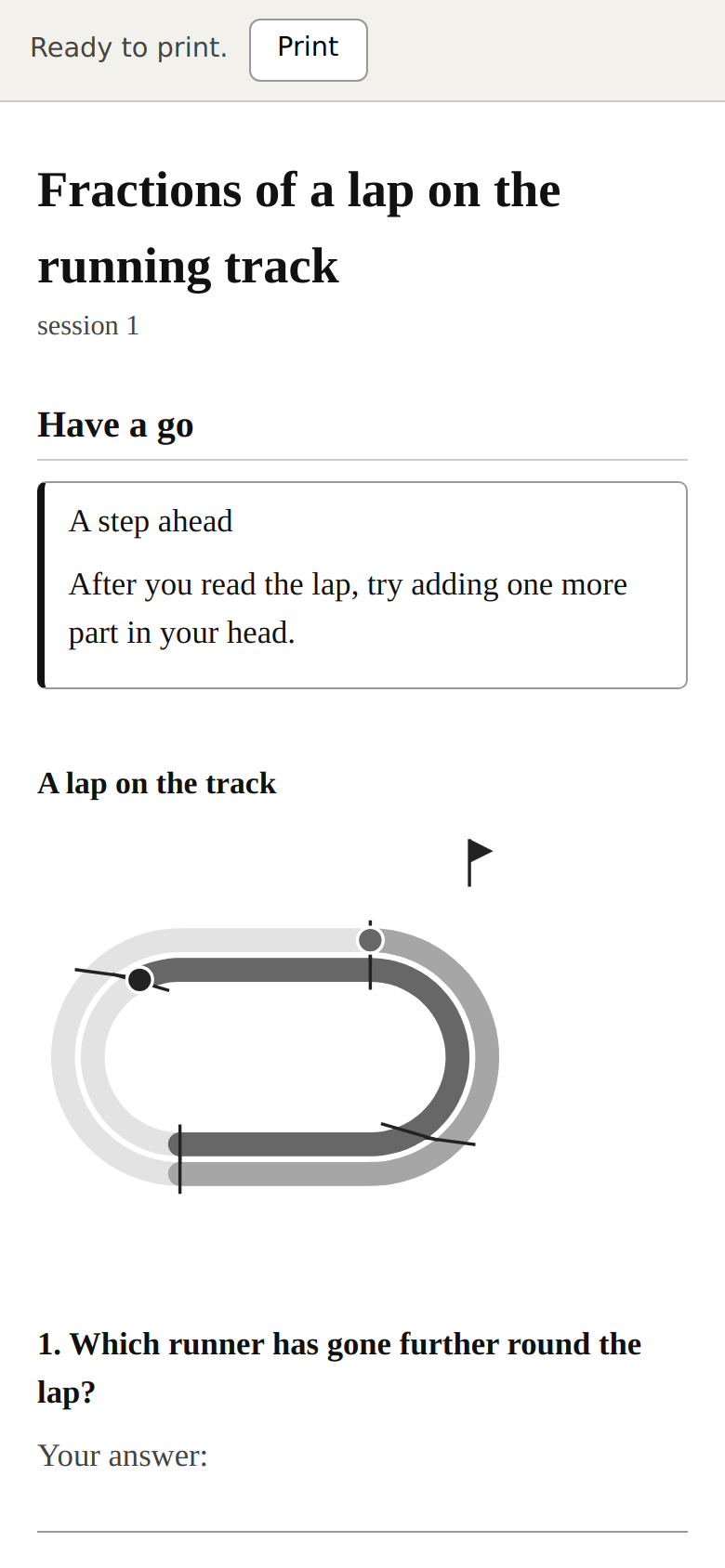 Open this screen: Print a MetaDAX package
 The print page at /metadax/play/print.html: the learner worksheet, the teacher’s run-sheet, and the answer key on paper — the paper version needs nothing but a printer. -
5 Run the check — a second pass reads the lesson back against the objective before it reaches your class.
What you see: a short review that accepts the lesson, asks for a change, or flags a gap — so a weak question is caught before 28 learners meet it.
Your assistantCheck on O01 — verdict: one change. The worksheet hits “predict melt or freeze” well, but only one of three questions asks the learner to name the variable that changed, which is the fair-test thread and the stated objective. Suggested fix: reword question 2 to “what did you change, and what did you keep the same?” Everything else is accepted.
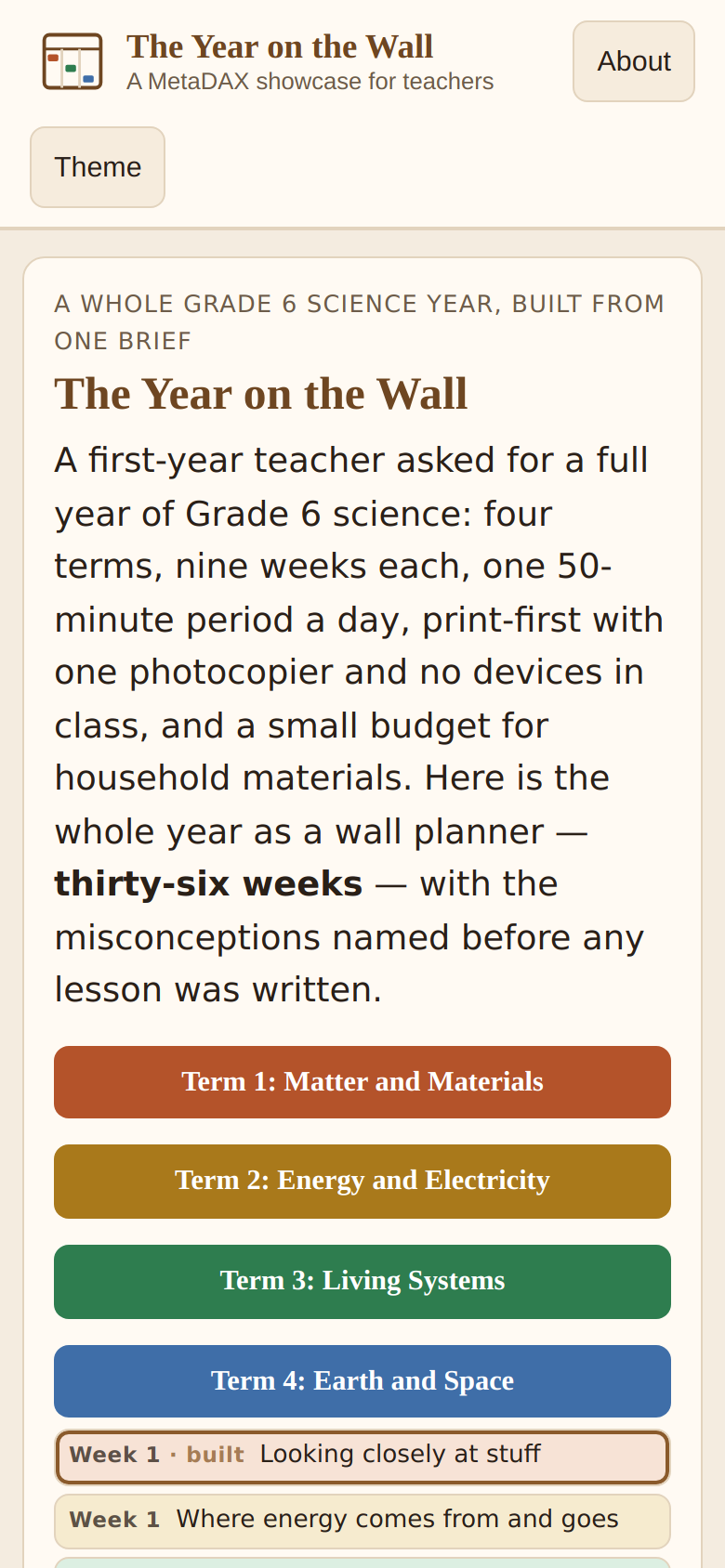 Open this screen: The Year on the Wall
 The finished version: the Grade 6 Science year showcase — the whole year as built lessons, live now. Everyone in it is made up.
How long this took
About thirty-five minutes on our run: five to brief the architect and read the year tree, ten to build and print the one lesson, and the rest reading the check and making its one change. The year tree is designed once; after that each week is just “build next” when you have the evening for it.
When it goes wrong
- The tree is too big to build in one go. It is meant to be — design the whole year, then build one lesson at a time. The builder is resumable: stop after any unit and pick up with “build next” later.
- The lesson assumes equipment you don’t have. Say so in the brief (“paper only, no budget”) and it builds around it. On our run, leaving that out produced a lab with beakers; adding it switched to ice and a kitchen.
- A question drifts off the objective. That is exactly what the check in step 5 catches. Don’t skip it — it is the difference between “looks like a lesson” and “teaches the thing you set out to teach”.
Run it yourself, free
It runs on the AI subscription you already have. The plain prompts paste into any chat, no setup — MP-11 designs the tree, MP-12 builds it week by week, and a check reads each lesson back. Or use the teacher skill, which wraps the whole flow.
Have it done for you
Want it set up and run for you instead? Obsidian Delta, the company, sells that — done-for-you, paid. The Foundation’s work stays free; this is the way to have someone else do the work.
MetaDAX is free. It is built on paid compute. If it helped, a coffee on Ko-fi or a GitHub sponsorship keeps it going.